What to look for in a hotel restaurant POS
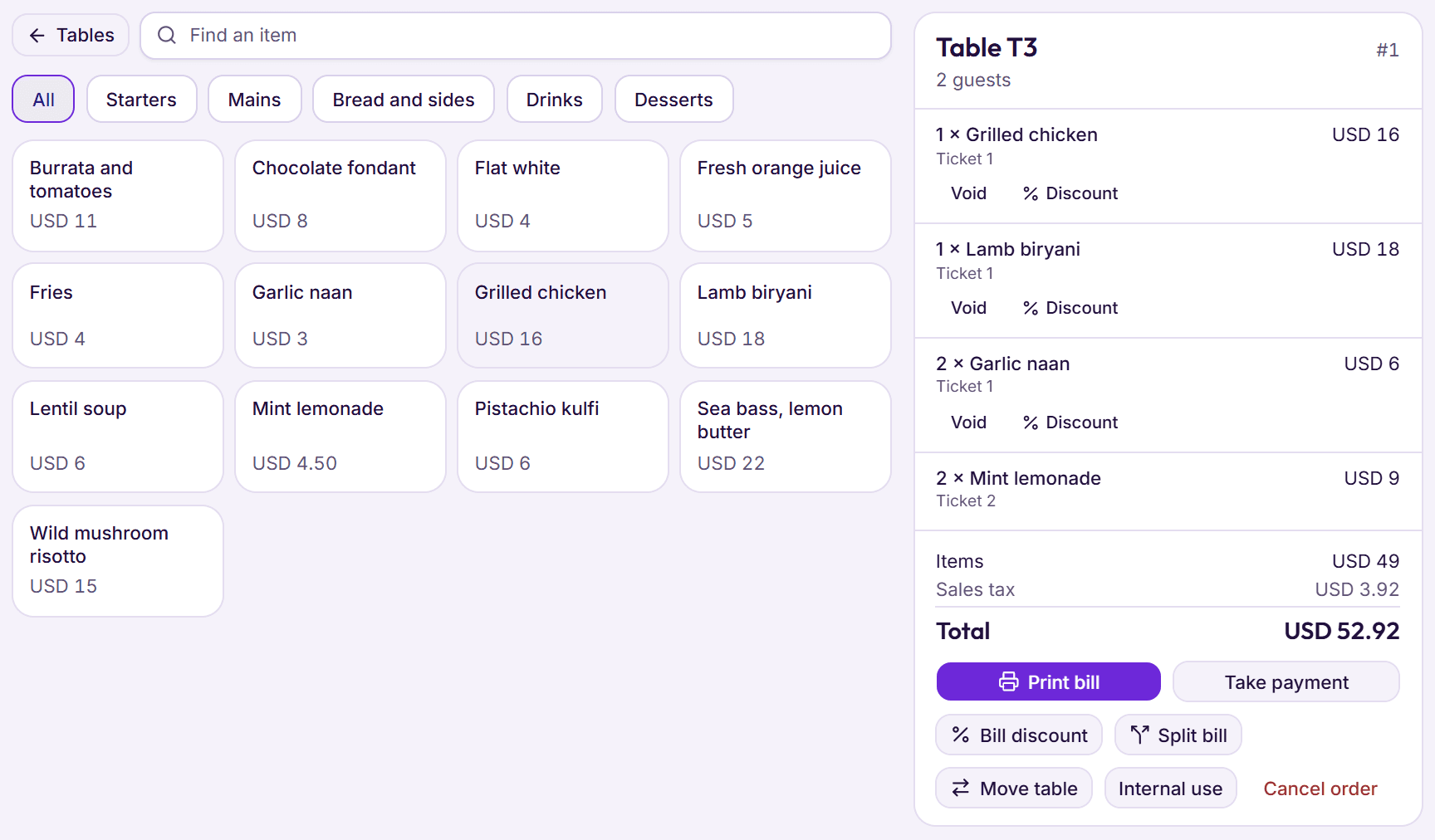
- Charges to the room only for checked‑in guests, landing on their folio at once
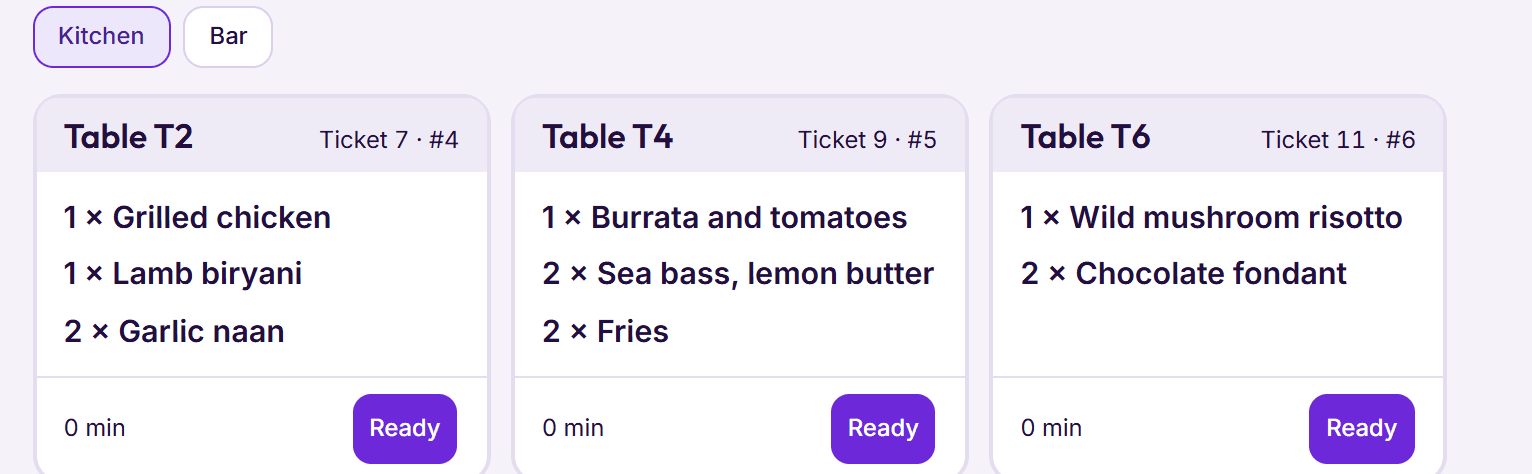
- Kitchen and bar tickets, on paper or a screen, so nothing is cooked from memory
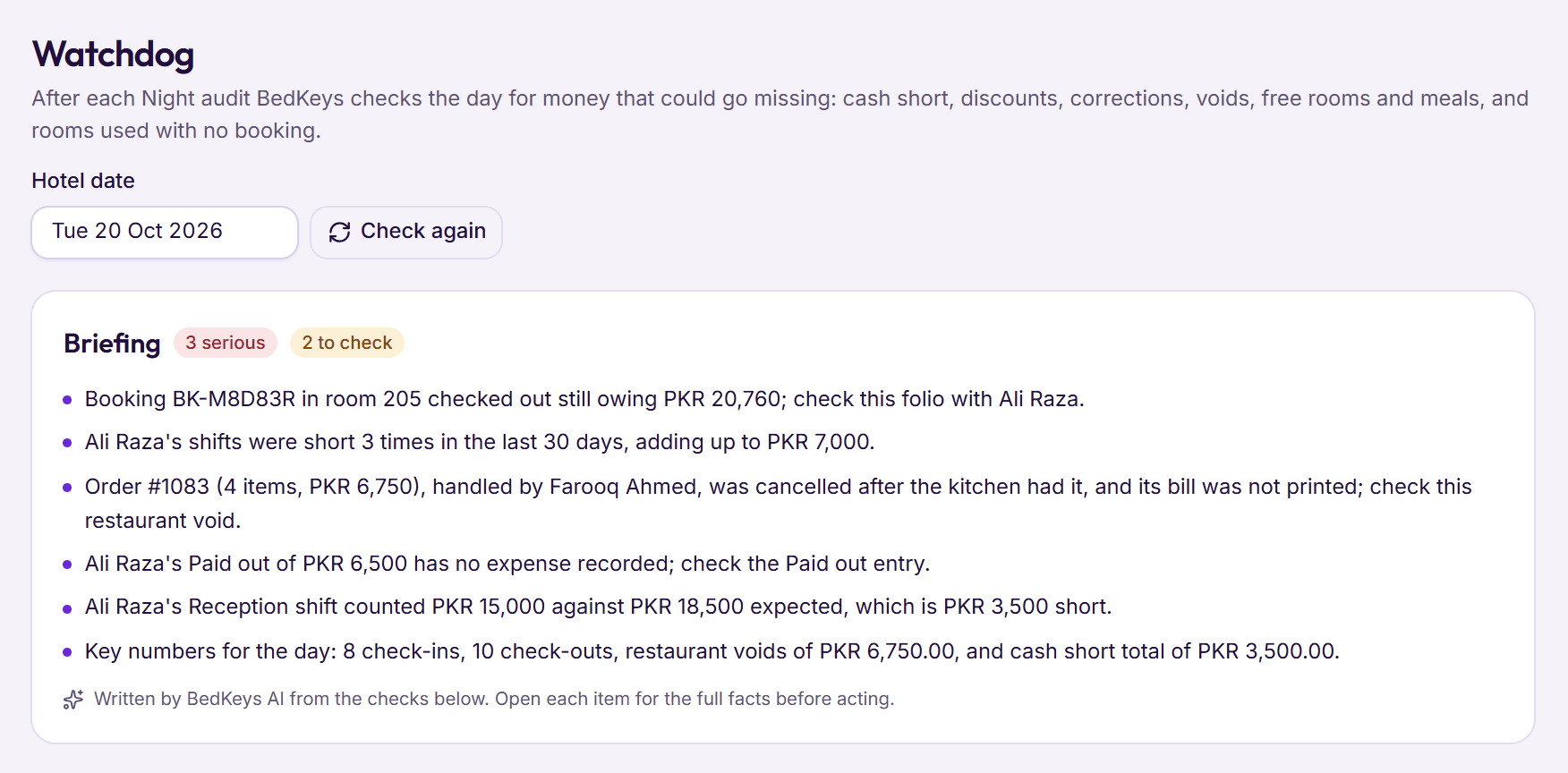
- Voids and discounts with a reason and the manager who approved them
- Recipes that take ingredients out of stock as dishes are sold
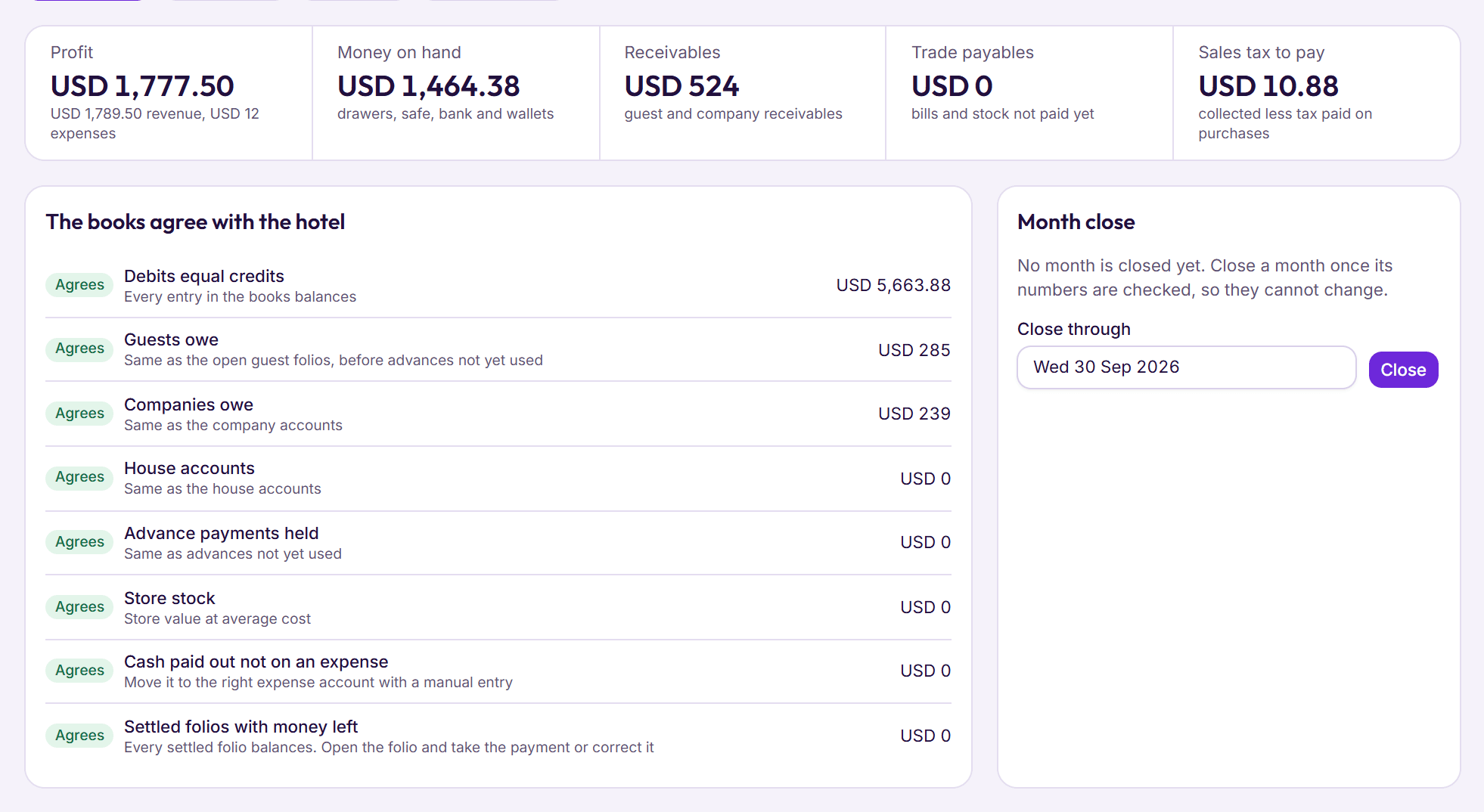
- Sales and tax posted to the same books as the rooms
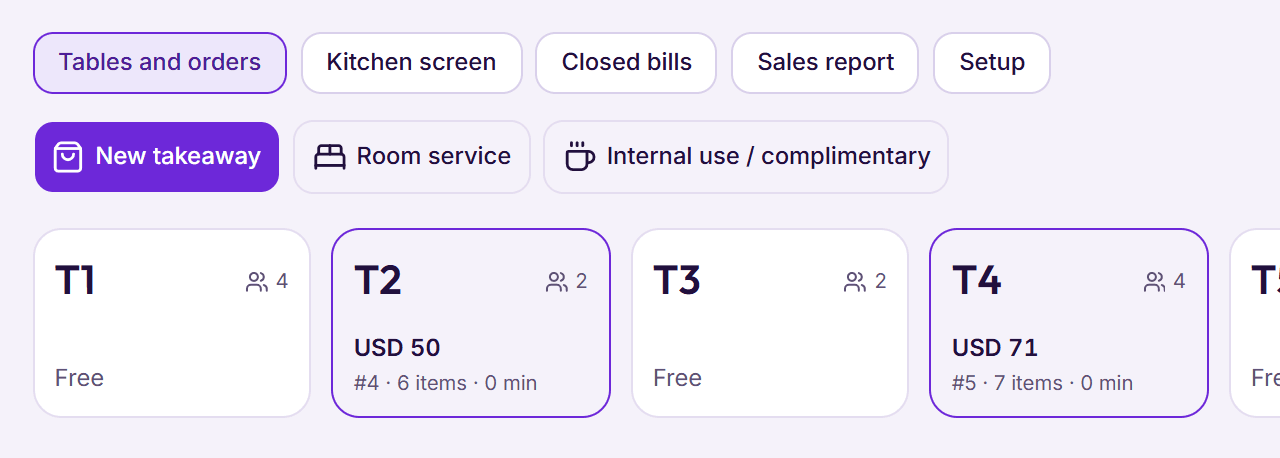
- Room service, a bar and a café as separate outlets with their own bills
The eight systems at a glance
| System | Restaurant POS | Kitchen tickets | Stock | Accounting |
|---|---|---|---|---|
| BedKeys | Included | Paper or kitchen screen | Yes, recipes take stock | Full accounting, included |
| Clock PMS+ | Included | Kitchen printers and screen | Not stated | Ledgers, plus accounting software |
| EloPMS | Included | Kitchen tickets and screen | Yes | Double‑entry |
| Munshi10 | Included | Printed to the kitchen | Not stated | Back‑office accounting |
| Hotelogix | Yes | Kitchen ticket printers | Through marketplace apps | Through marketplace apps |
| eZee Absolute | Add‑on, $60 per outlet | Yes (eZee POS) | Included in the add‑on | Not stated |
| Mews | Add‑on (Mews POS) | Table to kitchen; kitchen screen | Not stated | Ledgers, plus accounting software |
| Cloudbeds | Pilot since Oct 2026 | Kitchen and bar printers | Not stated | Through other software |
The eight systems
1. BedKeys
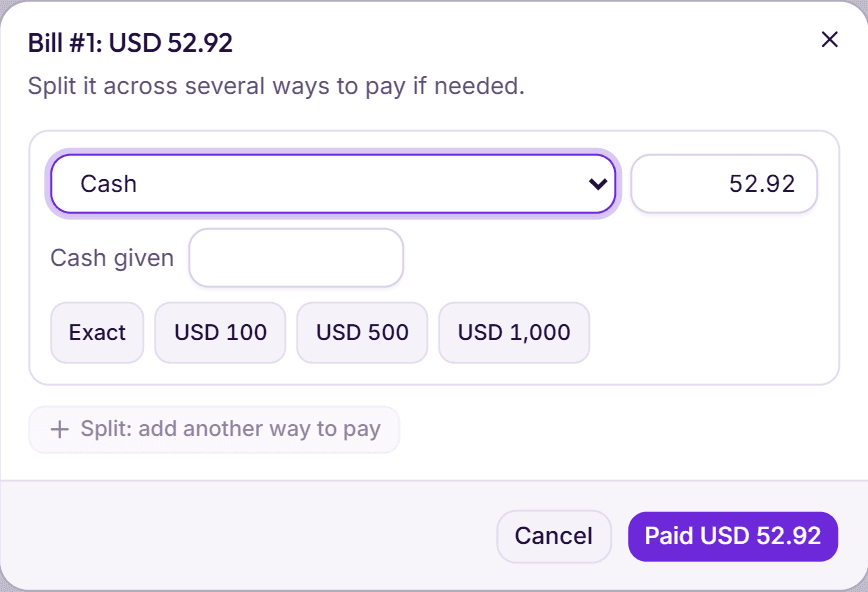
Our own product. Orders by table, takeaway or room service go to the kitchen and bar as numbered tickets, on paper or on the kitchen screen, and a ticket still waiting after 20 minutes turns amber. Bills settle at the till or on a checked‑in guest’s folio; every void and discount keeps its reason and the manager who approved it; each dish takes its ingredients from the store as it is sent, and sales, tax and cost post to the books on their own. Price: included in both plans, from PKR 1,000 per room a month (restaurant).
2. Clock PMS+
One subscription includes the restaurant POS with kitchen printers and a kitchen screen, events and a housekeeper app. Check before you buy: the fee rises with yearly revenue, with a 12‑month minimum (pricing).
3. EloPMS
A Lahore system listing a restaurant POS with kitchen tickets and a kitchen screen, stock and purchasing with recipes, double‑entry accounting and FBR digital invoicing. Check before you buy: prices aren’t public (elopms.com).
4. Munshi10
A long‑established Pakistani system whose restaurant POS prints kitchen tickets automatically, alongside back‑office accounting and FBR invoicing. Check before you buy: stock and purchasing aren’t described on its public pages. Price: paid plans from PKR 45,000 a month (pricing).
5. Hotelogix
Includes a restaurant POS with kitchen ticket printers and a mobile app. Check before you buy: stock and accounting come through marketplace apps. Price: on request (Hotelogix).
6. eZee Absolute (Yanolja Cloud Solution)
Its restaurant POS is an add‑on at $60 per outlet a month, with stock included and charges to the room. Check before you buy: a hotel with a restaurant, bar and room service may pay for each outlet (pricing).
7. Mews
Mews POS is an add‑on that sends orders from table to kitchen and charges to the room, with a kitchen display in its help centre. Check before you buy: prices are on request (POS).
8. Cloudbeds
Cloudbeds announced its own POS in October 2026, sending orders to kitchen and bar printers, available as a pilot to selected customers; otherwise it connects to partner POS systems. Check before you buy: ask whether you can join the pilot or which partner POS they recommend.
For how to stop leaks between the restaurant and the rooms, read running a hotel restaurant.