What is a hotel PMS?
PMS stands for property management system. In a hotel, it is the software that holds the record of every booking, every room and every guest’s bill. Staff use it to take bookings, check guests in and out, keep track of which rooms are clean, add charges and take payments. At the end of each day it closes the books, and in the morning it tells the owner what the hotel earned.
Before a PMS, most hotels keep this in a booking register, a few spreadsheets, a cash book and the memory of whoever is at the desk. That works until the hotel gets busy. Then two people take the same room for the same night, a restaurant bill never reaches the guest’s room, and nobody can say why the cash is short. A PMS replaces all of those with one record that everyone works from.
The easiest way to see what a PMS does is to follow one guest. Say Mrs Khan books two nights in a deluxe room, eats dinner in the hotel restaurant and checks out on Sunday morning. Here is what the PMS does at each step.
Before the guest arrives: bookings and rates
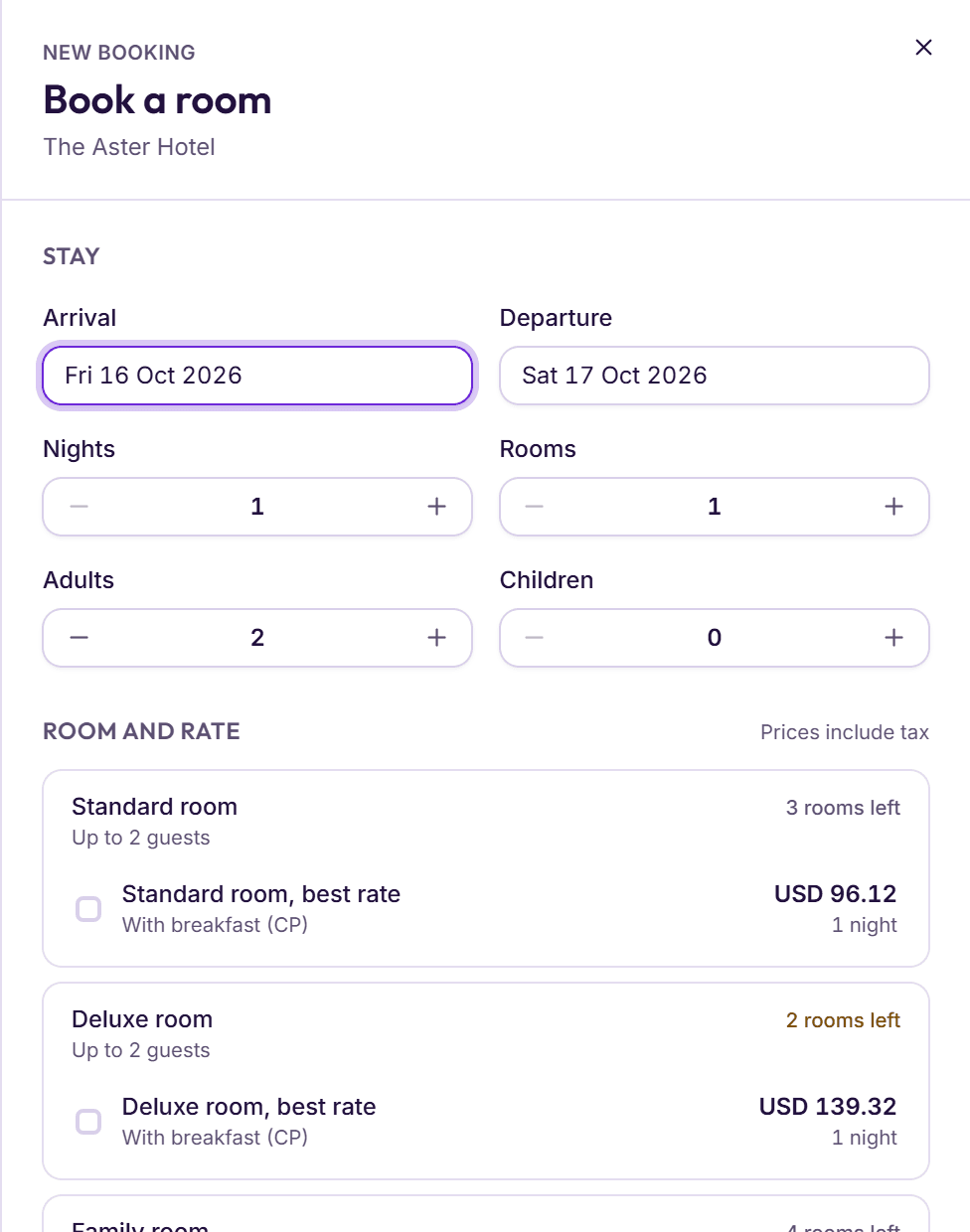
Mrs Khan calls the hotel, or sends a WhatsApp message, or books on the hotel’s own website. Whichever way it comes in, the booking (some systems call it a reservation) goes into the PMS. Staff pick the dates and the number of guests, and the PMS shows which room types are free, each rate with its price and how many rooms are left.
A rate is a price with its rules: a room-only rate, a rate with breakfast, a non-refundable rate. A good PMS holds a price for every night, so a Saturday in the busy season can cost more than a Tuesday in the quiet one. It also holds the cancellation rules: free until a cut-off, then perhaps the first night or the whole stay.
If Mrs Khan pays a deposit (in BedKeys, an advance payment), the PMS records it against her booking and prints a receipt. When she arrives, it comes off her bill. If she cancels late, the cancellation rules decide how much of it the hotel keeps.
Every booking also appears on the room grid: a chart with the rooms down the side and the days across the top. The front desk can see at a glance which rooms are free next weekend, and a room booked twice for the same night shows up before the guest does.
Bookings reach a hotel in many ways: a phone call, a WhatsApp message, a walk-in guest, a travel agent, the hotel’s own booking page, or booking sites. The PMS should hold them all in the same list, with where each one came from. Then the owner can see which sources bring the most guests, and which ones cost a commission.
At the desk: check-in, the folio and check-out
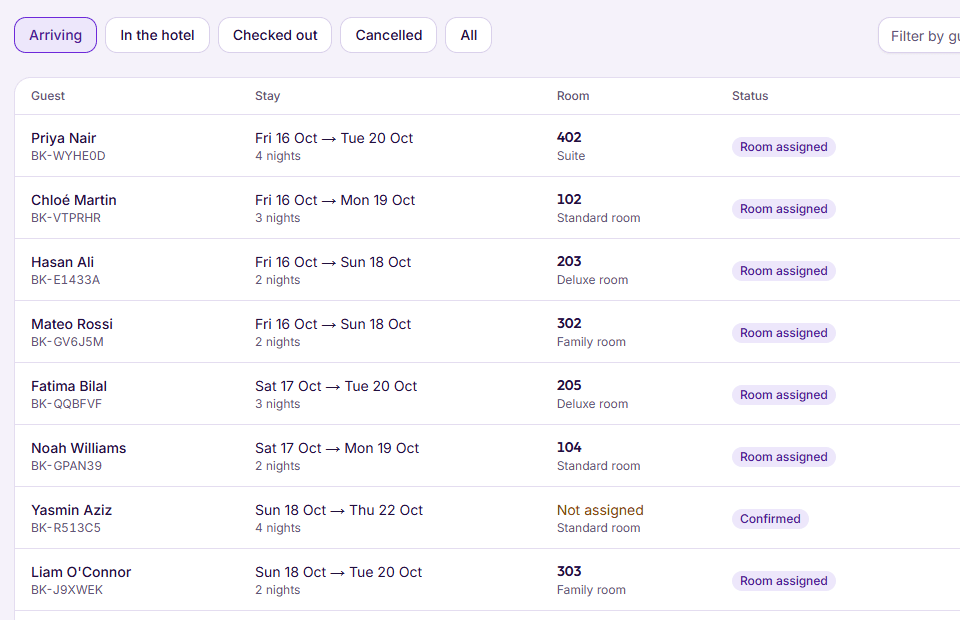
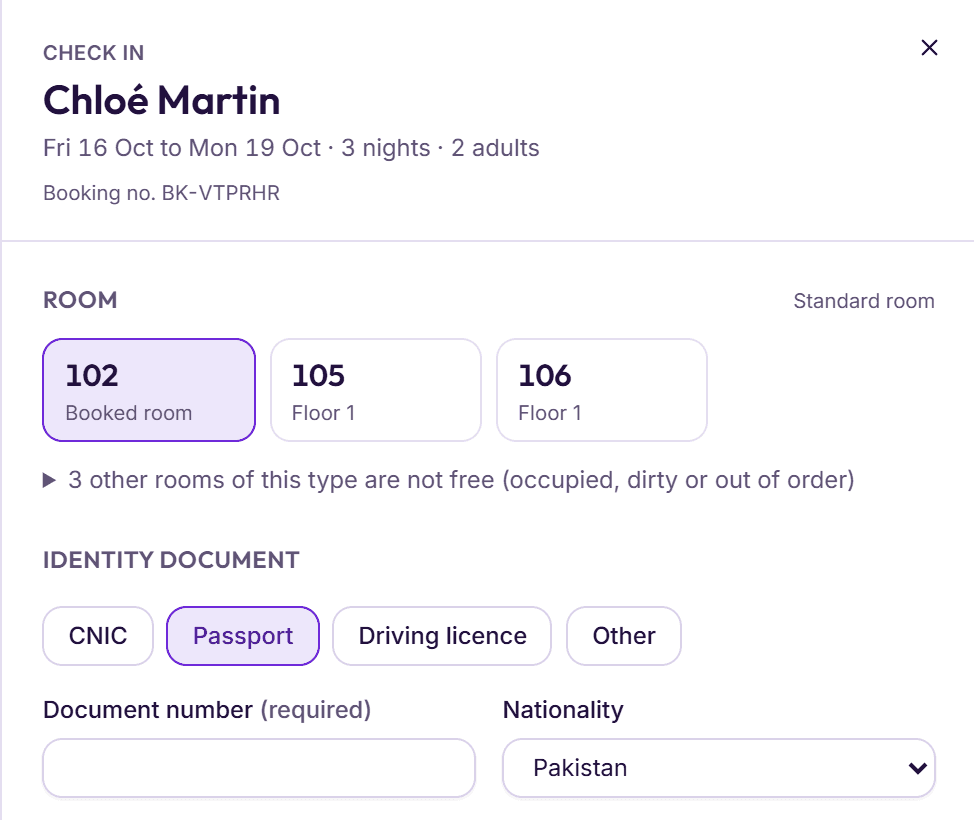
On Friday afternoon Mrs Khan arrives. The front desk finds her booking, records her ID (a CNIC for Pakistani guests, a passport and visa for foreign ones) and gives her a room. A careful PMS only offers rooms that housekeeping has marked ready, so nobody is sent to a room that is still being cleaned.
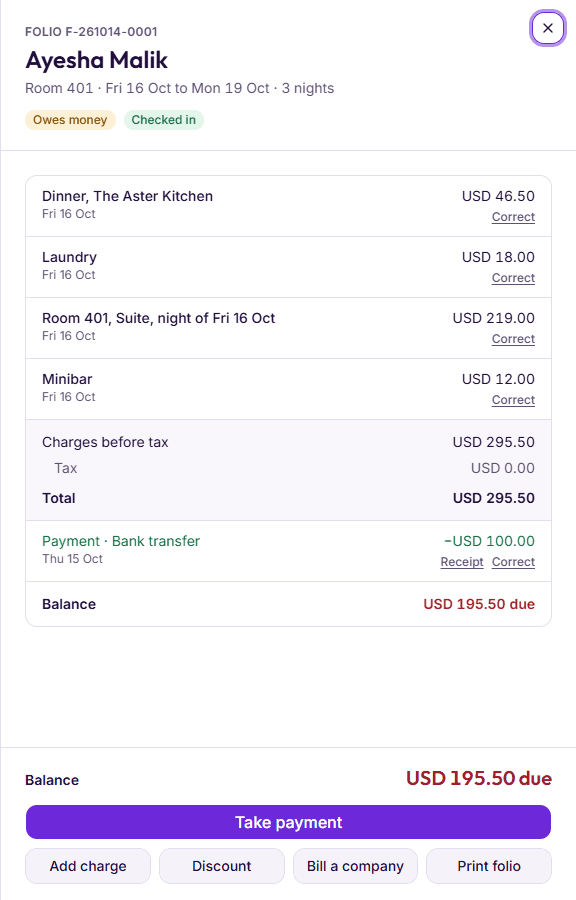
From check-in, Mrs Khan has a folio: her running bill for the stay. Each night’s room charge goes on it, with its tax. So does anything else she uses: a laundry charge, an airport pickup, a late check-out fee. Her advance payment sits on it as a payment, and the balance shows what she still owes.
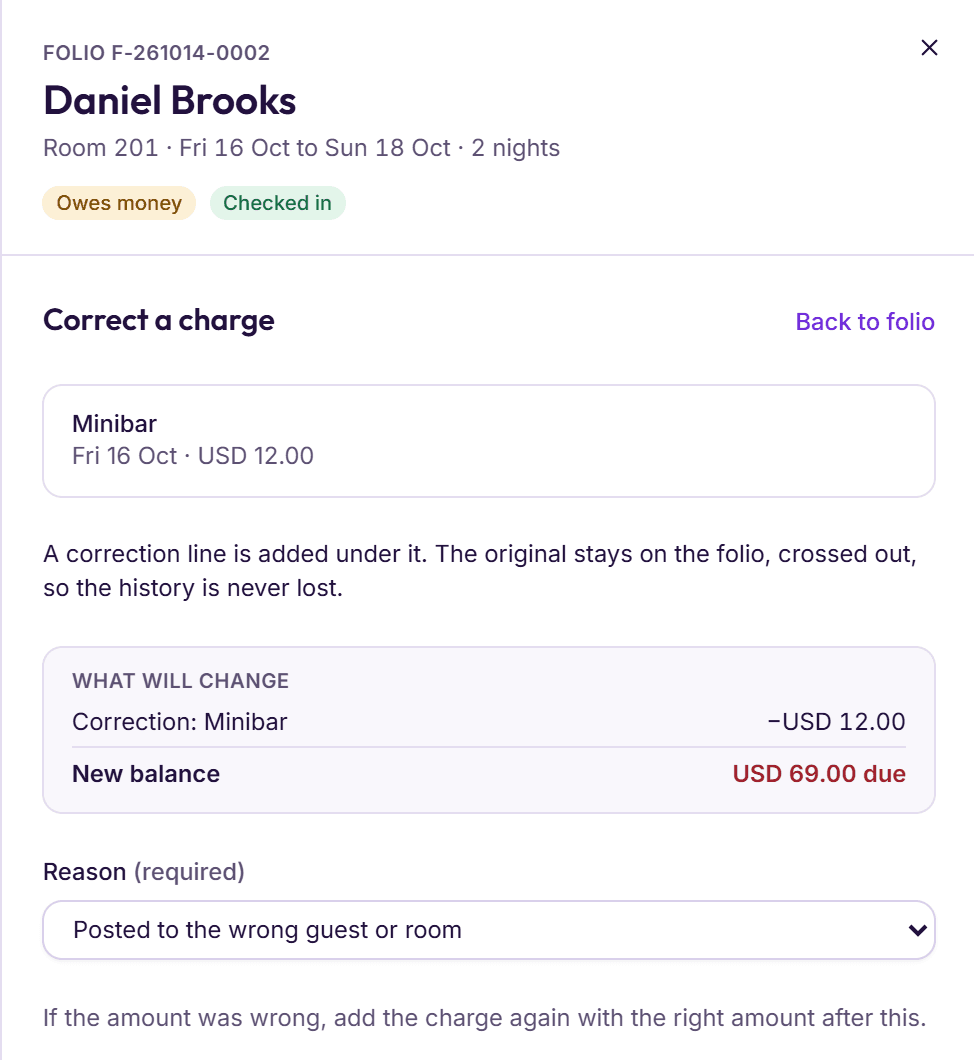
Mistakes happen on folios. A good PMS shows each charge with its tax and the new balance before anyone saves it. When a charge is wrong, it is corrected with a reason, and the original stays visible. It is never deleted, because a bill that can be quietly changed is a bill nobody can trust.
Restaurant bills on the room
On Saturday night Mrs Khan eats in the hotel restaurant and asks for the bill to go on her room. In a hotel without a PMS, a waiter writes a slip, the slip goes to the desk, and sometimes it doesn’t. With a PMS that includes the restaurant, the bill moves straight onto her folio with its share of the tax. Most systems only allow this while the guest is checked in, so a bill can’t land on an empty room.
On Sunday morning she checks out. The folio lists every night, the dinner, the advance and the balance. She pays the rest by card, cash, bank transfer or a mobile wallet, and the PMS records which. If she is staying on a company’s account, the balance goes to the company instead, to be invoiced later.
Room status and housekeeping
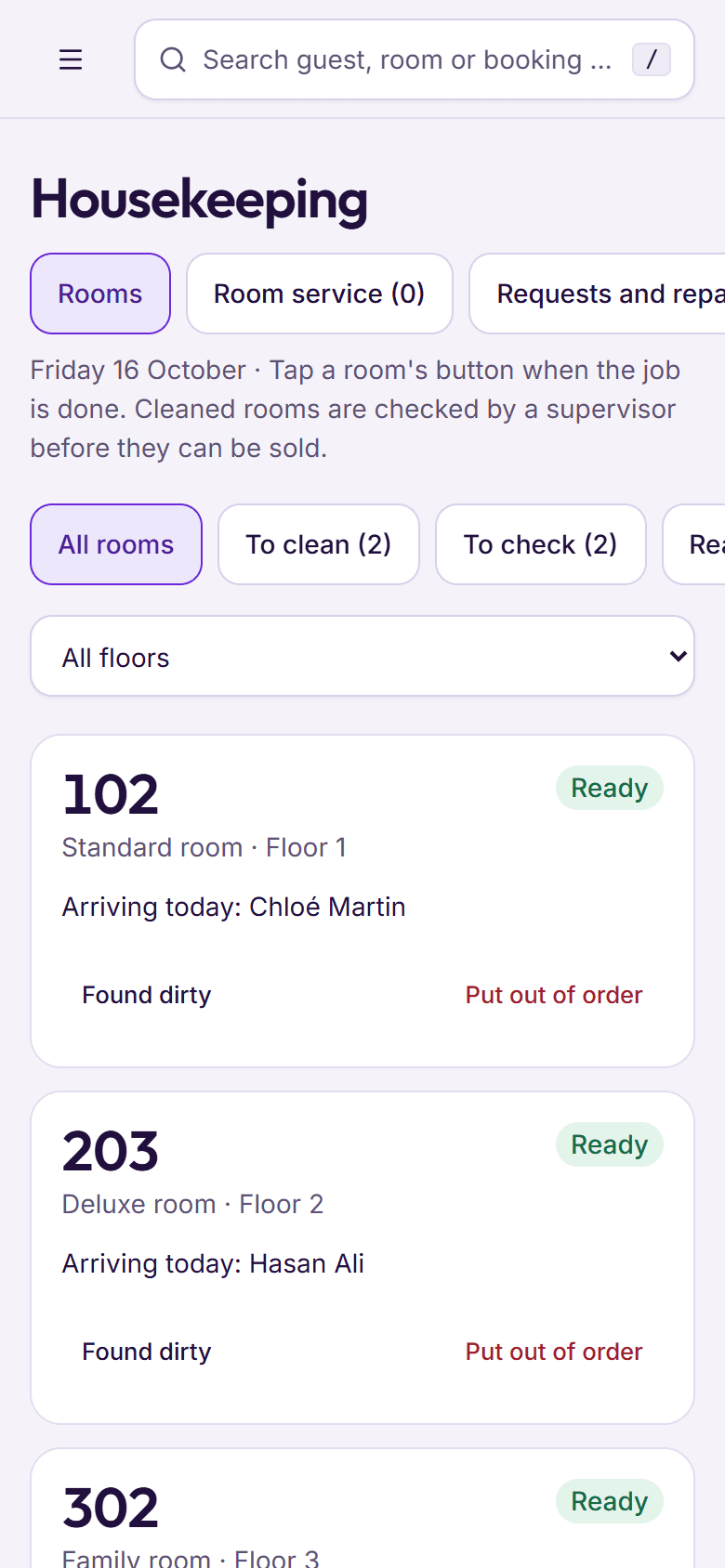
The moment Mrs Khan checks out, her room needs cleaning. A PMS tracks this with a room status. In BedKeys the statuses are Dirty, Cleaned, Inspected, Ready and Out of order. A room becomes Dirty at check-out, Cleaned when the housekeeper finishes, and Ready once it can be sold again. A room with a broken air conditioner goes Out of order, so nobody sells it tonight.
The desk and housekeeping need to see the same status at the same time. In many hotels this still runs on phone calls and a paper list. A PMS that works on housekeepers’ phones lets each one mark a room as they finish it, and the desk sees it without anyone walking downstairs.
The Night audit: closing the hotel’s day
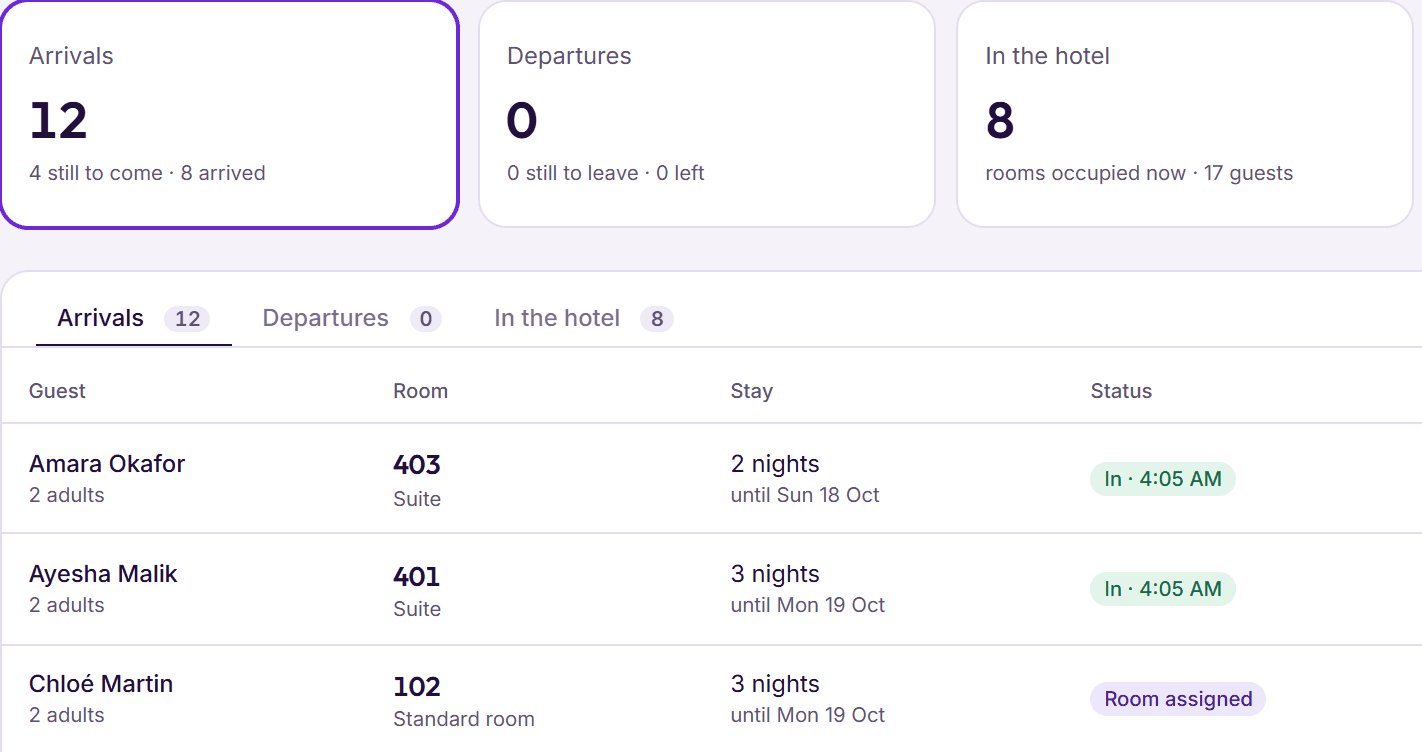
Once a day, usually after midnight, the hotel closes its business day. This is the Night audit. Today’s arrivals are checked in or marked as guests who did not arrive (often called no-shows; in BedKeys, Did not arrive). Today’s departures are checked out. Each cash shift is counted. Then the night’s room charge goes on every in-house guest’s folio, and the hotel date moves on to tomorrow.
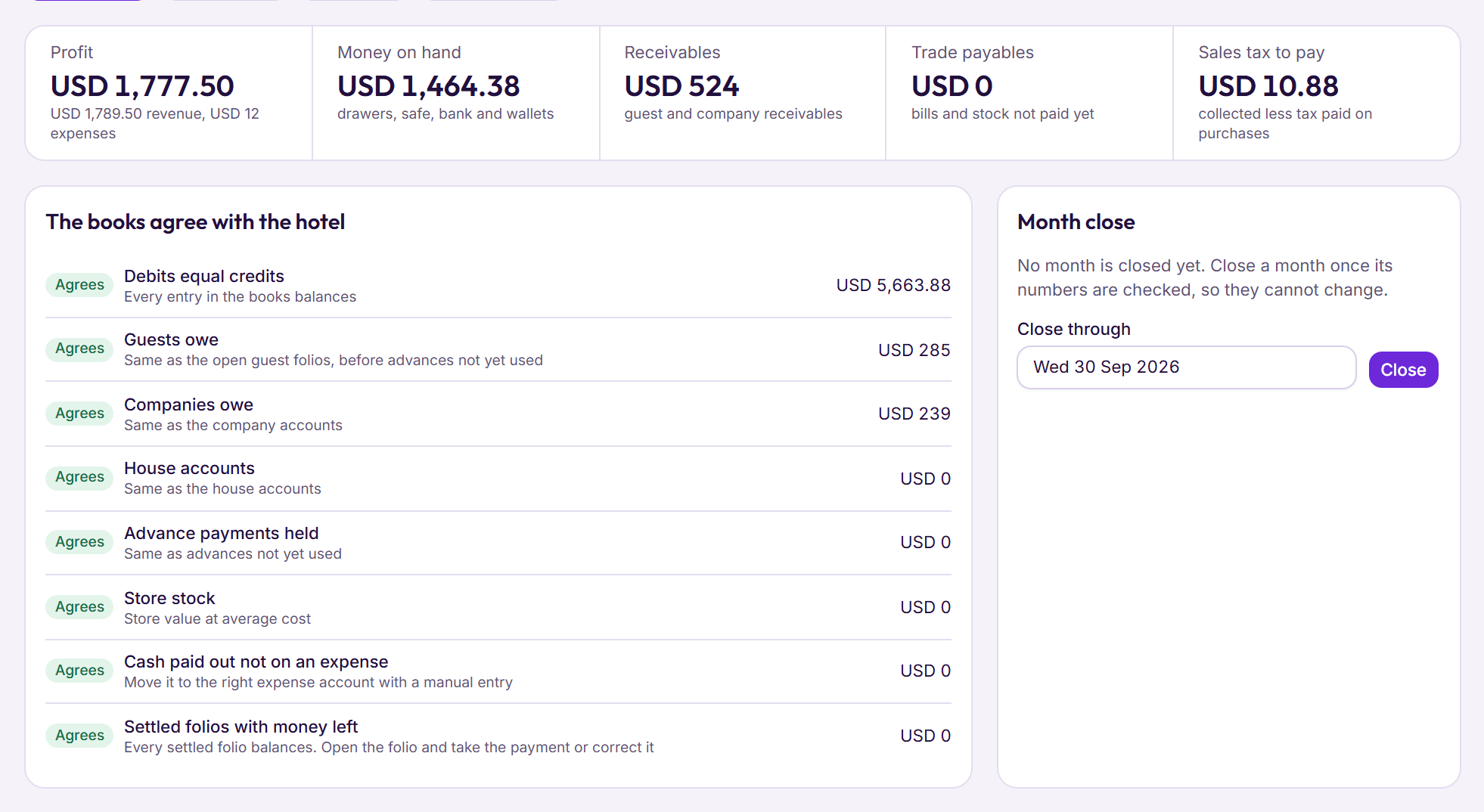
The hotel date (some systems say business date) is why a guest who arrives at 1 a.m. still belongs to the night before. It only moves when the Night audit says the day is finished. That matters because every report the owner reads is built from closed days. If a day closes with loose ends, the reports are wrong from that night on.
Reports: occupancy, ADR and RevPAR
Because the PMS holds every booking and every bill, it can tell the owner how the hotel is doing without anyone adding up a register. Three figures come up in almost every hotel report. Here is what each one means, worked out for a hotel with 20 rooms that sold 15 of them last night for PKR 300,000 in room revenue.
| Figure | What it means | Worked out |
|---|---|---|
| Occupancy | The share of your rooms that were sold. | 15 sold ÷ 20 rooms = 75% |
| Average rate (ADR) | What a sold room earned, on average. | PKR 300,000 ÷ 15 sold = PKR 20,000 |
| RevPAR | Room revenue for every room you have, sold or not. | PKR 300,000 ÷ 20 rooms = PKR 15,000 |
RevPAR is the one to watch, because it moves with both of the others. A hotel can fill every room by cutting prices, and occupancy looks good while RevPAR falls. A hotel can raise prices and lose guests, and the average rate looks good while RevPAR falls. When RevPAR rises, the rooms are earning more.
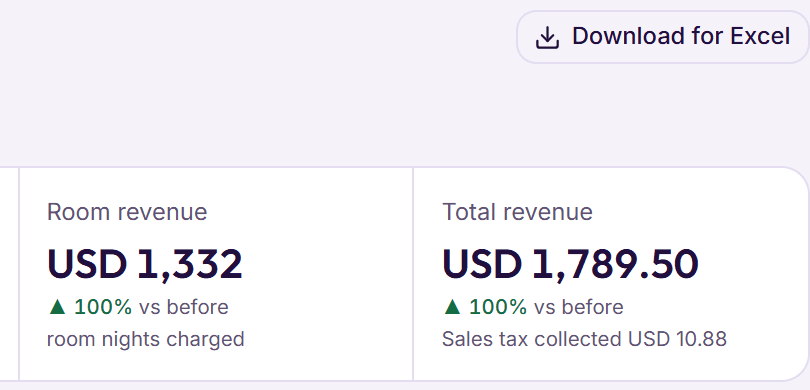
Beyond these three, a PMS usually reports revenue by department (rooms, food and drink, other), money received by each way of paying, who owes the hotel money, and how each cash shift ended. Many can download reports for Excel, so your accountant can work from the same figures.
Cloud or installed: where the PMS runs
There are two kinds of PMS. An installed PMS runs on a computer at the hotel, often a server in a back office. A cloud PMS runs in a data centre, and staff open it in a web browser. Older systems are often installed; many newer ones run in the cloud. Here is how they usually compare.
| Installed on a hotel computer | Cloud, in the browser | |
|---|---|---|
| Setting up | Software installed on each computer | Nothing to install: open it and sign in |
| If the desk computer breaks | Records can be lost without a recent backup | Records are safe; sign in from another computer |
| Backups | Someone at the hotel has to remember | Usually done every day by the provider |
| Updates | Installed by hand, often skipped | Arrive for everyone without a visit |
| Away from the hotel | Hard, unless someone sets up remote access | Open it on a phone wherever you are |
| Without internet | Keeps working at the desk | The desk needs a connection |
The honest trade-off is the internet. A cloud PMS needs a working connection at the desk. In return, the owner can check last night’s close from home, and a stolen laptop costs the hotel a laptop, not its records. For most hotels with reliable internet at the desk, the cloud is the safer choice.
A cloud PMS also needs less at the hotel than most owners expect: a computer at the desk with an up-to-date browser, internet, a printer for folios and registration cards, and phones for housekeeping. Often you can keep the card machine you already have, and the PMS simply records each card payment made on it.
Who uses a hotel PMS?
Almost everyone in the hotel, but each person needs a different part of it. A good PMS gives each role only the screens their job needs, so a housekeeper never sees the accounts and a waiter can’t change a room price.
- Front desk staff take bookings, check guests in and out, add charges and take payments. They live in the PMS all shift.
- Housekeepers see which rooms to clean first and mark each one as they finish it, usually on a phone.
- Restaurant and bar staff take orders, send them to the kitchen and put bills on guests’ rooms.
- Accounts staff count the cash shifts, follow up what companies owe and read the books.
- The manager sets prices, approves discounts and corrections, and runs or checks the Night audit.
- The owner reads the reports and the day’s close, often from somewhere other than the hotel.
When everyone works from the same record, the questions that used to need three phone calls answer themselves. Is room 104 ready? Has the dinner reached the bill? Who gave that discount? The answer is on the screen, with a name and a time beside it.