Why guests book through a booking site instead of you
A guest who likes your photos on Instagram doesn’t book through a booking site because they love paying more, or because they prefer the site to you. They do it because it is easier. The site shows free rooms, a price and a button. Your profile shows a phone number and “DM for rates”.
Each booking that goes that way costs you a commission, often a large share of the stay. Our guide to direct bookings and booking-site commission works out what that means for one stay and for a month. This guide is about the other side: the practical steps that move guests who already know you to booking with you.
- No clear way to book. A bio with no link, a website with only a contact form, a Google listing with no booking link.
- Slow replies. A guest who asks about dates at 10 p.m. and hears back the next afternoon has often booked elsewhere by then.
- A price they can’t check. “Rates on request” sends guests to a site where they can see one.
- Doubts about cancelling. If your rules aren’t written down, the booking site’s free cancellation looks safer.
Start with a booking link that works on a phone
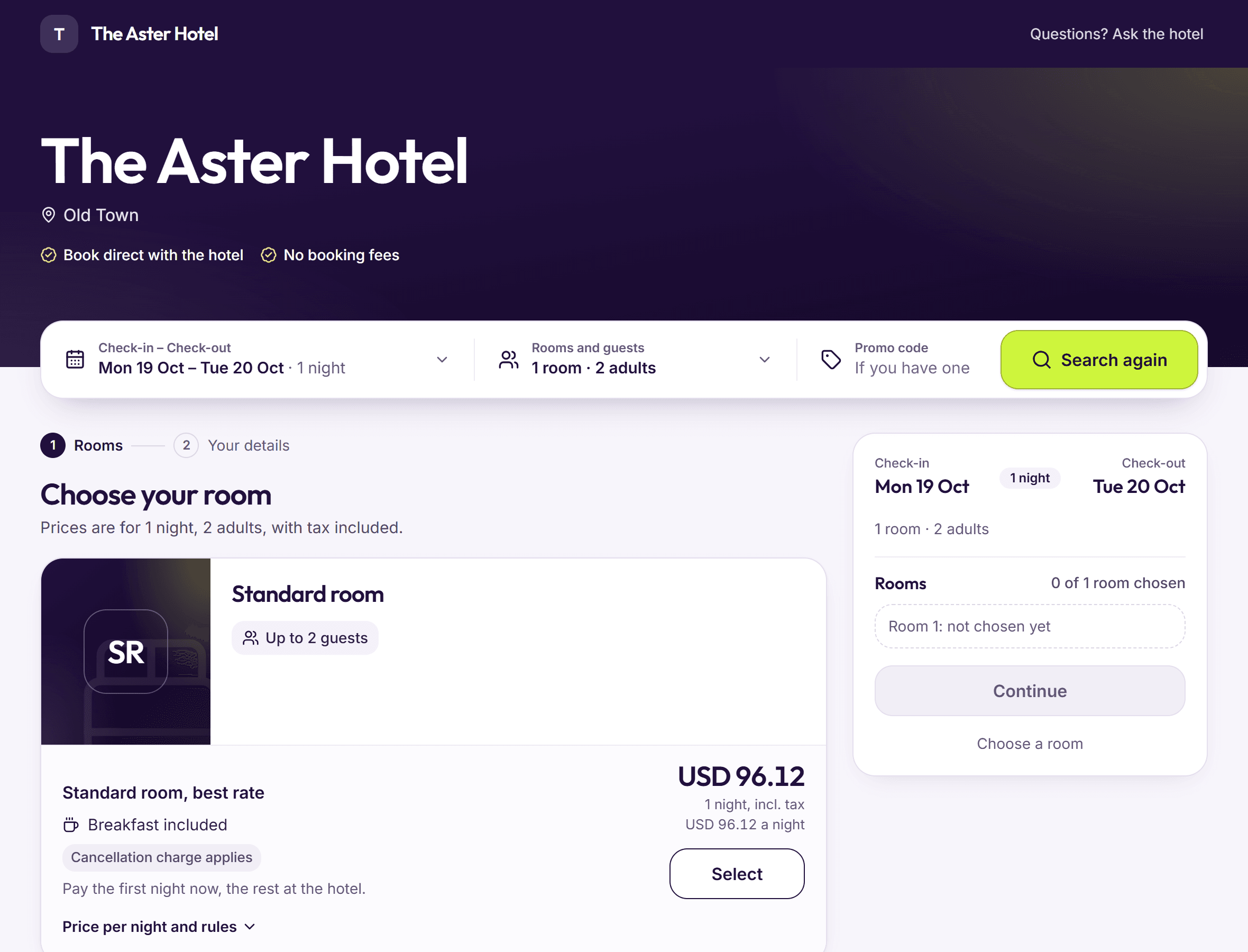
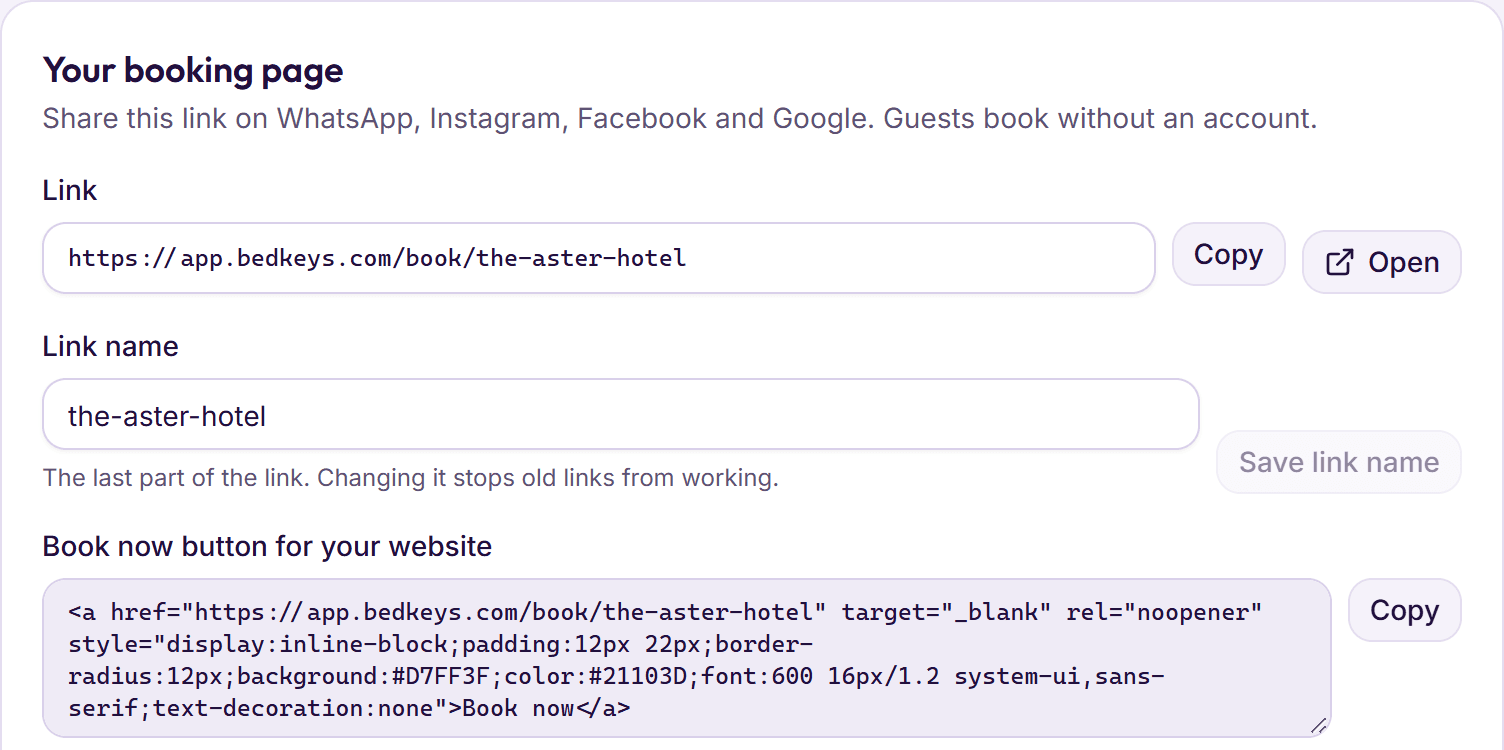
Everything in this guide sends guests to one place: your own booking page. Before you share it anywhere, open it on a phone, as a guest would, and book a room. If it takes more than a few minutes, or the final price is higher than the first one you saw, fix that first.
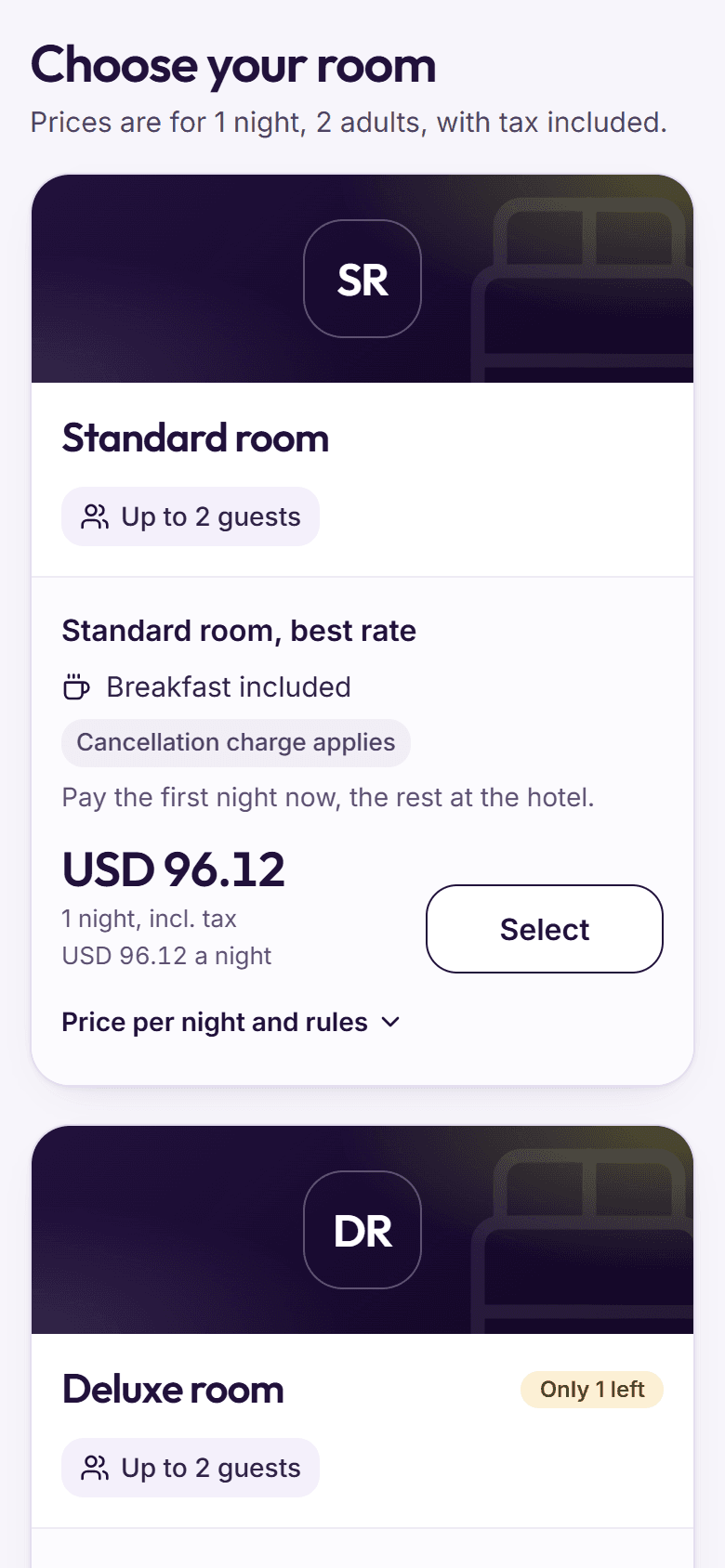
- A price with tax on every room, from the first screen.
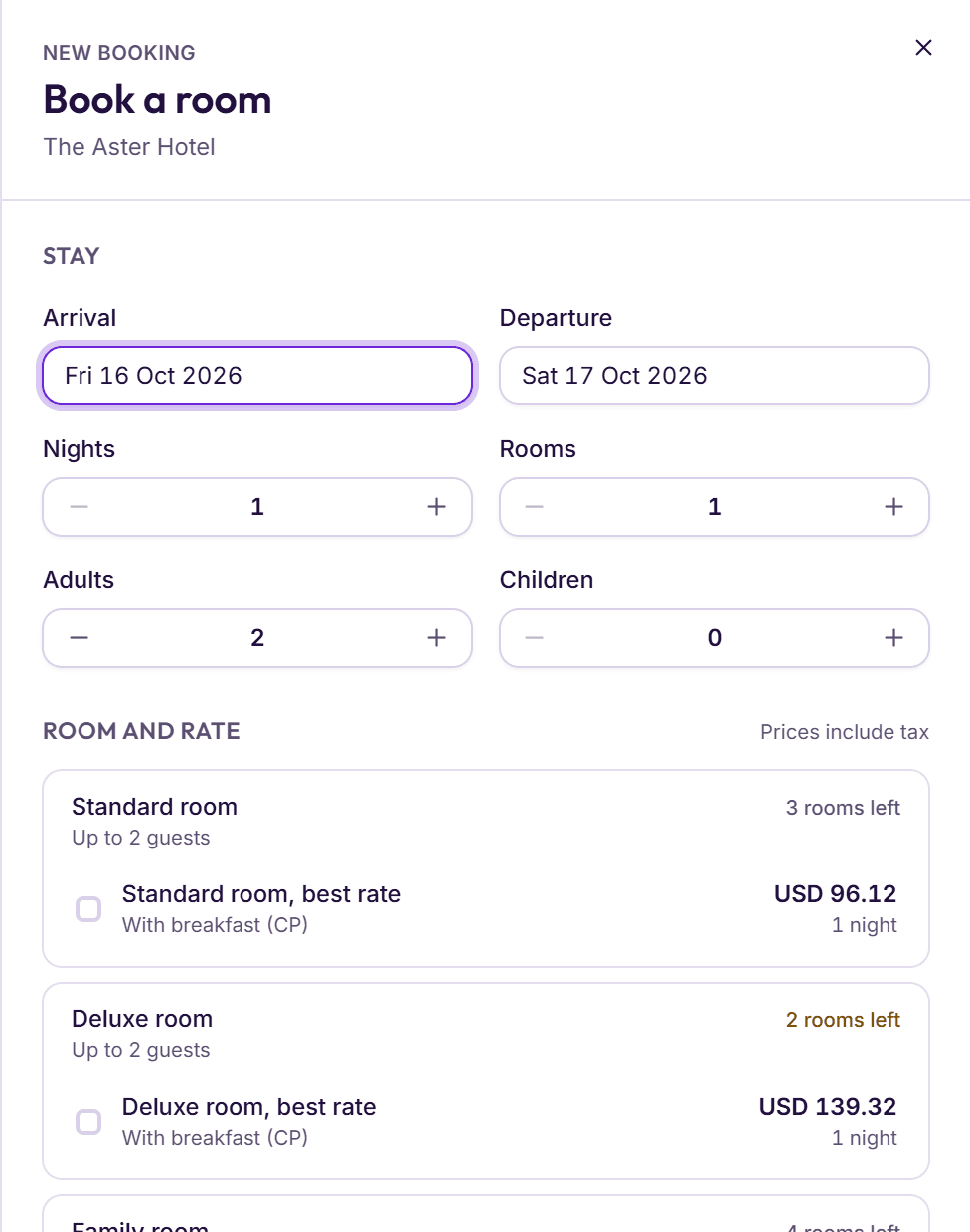
- Photos, beds and how many rooms are left for each room type.
- No account to create. A name, a mobile number and an arrival time are enough.
- The free-cancellation deadline shown before the guest confirms. Our guide to hotel cancellation policies has wording you can copy.
If you are still choosing a booking page, our guide to hotel booking engines lists what to check in a demo.
Instagram: turn followers into bookings
Instagram is where many guests first see a boutique hotel or a resort. It is also where they are most likely to be holding a phone and ready to tap. Give them somewhere to tap.
- Put your booking link in your profile. Not a link to a page of links; the booking page itself, so a guest is one tap from your rooms.
- Add a link to stories about an offer. A story about a quiet-season weekend should link to that weekend, not your home page.
- Keep a highlight called Book. Saved stories that show the rooms, the price with tax and how to book stay on your profile for new visitors.
- Answer direct messages with a link. When a follower asks about dates, reply with a booking link for those dates, not a list of prices to copy into a booking site.
- Give followers their own promo code. A modest code shared only on Instagram tells you how many bookings came from there.
WhatsApp: reply with a ready-made link
For many hotels, WhatsApp is where most questions arrive: “Do you have a room on Friday for two?” The slow way to answer is to check, type out the prices, wait for a reply, then take the details one message at a time. The fast way is a ready-made link: a link to your booking page with the guest’s dates and number of guests already filled in.
The guest taps it, sees the rooms that are free on their dates with the price, and books in a few steps. Your staff answer in seconds, and the booking reaches the desk with every detail typed in by the guest. If the guest still wants to talk, they can.
Save a few replies
Keep short saved replies in WhatsApp Business: a welcome, a reply to “do you have a room?”, and directions to the hotel.
Answer with dates filled in
For a question about dates, make a link with those dates and guests and send it with one line: “Here are our free rooms for Friday and Saturday, prices include tax.”
Add a promo code when it helps
For a returning guest or a quiet week, send a link with a promo code already filled in, so the discount is applied without them typing it.
Follow up once
If the guest hasn’t booked by the next day, one short message is enough: the link again, and a note if rooms are running low.
WhatsApp and call buttons on the booking page
Some guests will always want to ask a question before they book: Is there parking? Can we arrive at 2 a.m.? Is the pool heated? If your booking page gives them no way to ask, they close it and ask a booking site’s chat instead, or a rival hotel.
A WhatsApp button and a call button on the booking page keep them with you. The guest taps, asks, and comes back to book on the same page. Answer those messages quickly: a guest on your booking page is one reply away from booking.
Your Google listing
When someone searches for your hotel by name, the first thing they often see is your Google listing (your Google Business Profile): photos, reviews, a map, a phone number and links. It is also where a booking site’s price may appear next to yours. Make the direct path the obvious one.
- Add your booking link. If you have a website, link to it and put a Book now button on it. If you don’t, your booking page’s own link can do the job.
- Check the phone number and hours. A guest who calls a wrong number books somewhere else.
- Keep the photos current. Real rooms, the reception, the view and the breakfast, taken in daylight.
- Reply to reviews. A short, polite reply to every review, good or bad, shows a guest that someone is there.
- Use the same name everywhere. The same hotel name, address and phone number on Google, Instagram, WhatsApp and your website.
| Where | What to set up | Link to use |
|---|---|---|
| Instagram profile | The booking page in your bio, a Book highlight | Your booking page |
| Instagram stories and posts | A link on stories about rooms or offers | A ready-made link with the offer’s dates or promo code |
| WhatsApp replies | Saved replies in WhatsApp Business | A ready-made link with the guest’s dates and guests |
| WhatsApp Business profile | The booking page as the profile’s website | Your booking page |
| Google listing | Booking link, phone number, hours, photos | Your website or your booking page |
| Your website | A Book now button or a search box on every page | Your booking page |
| Thank-you message | A promo code for the next stay | A ready-made link with the promo code |
Repeat guests: the easiest direct bookings
A guest who has stayed with you before doesn’t need a booking site to find you. Paying a commission on their second stay pays for an introduction they no longer need. Win these bookings first.
- Keep the guest’s own mobile number. Whichever way they booked, make sure their own number is on their profile before they leave. Booking-site bookings often carry the site’s contact details, not the guest’s.
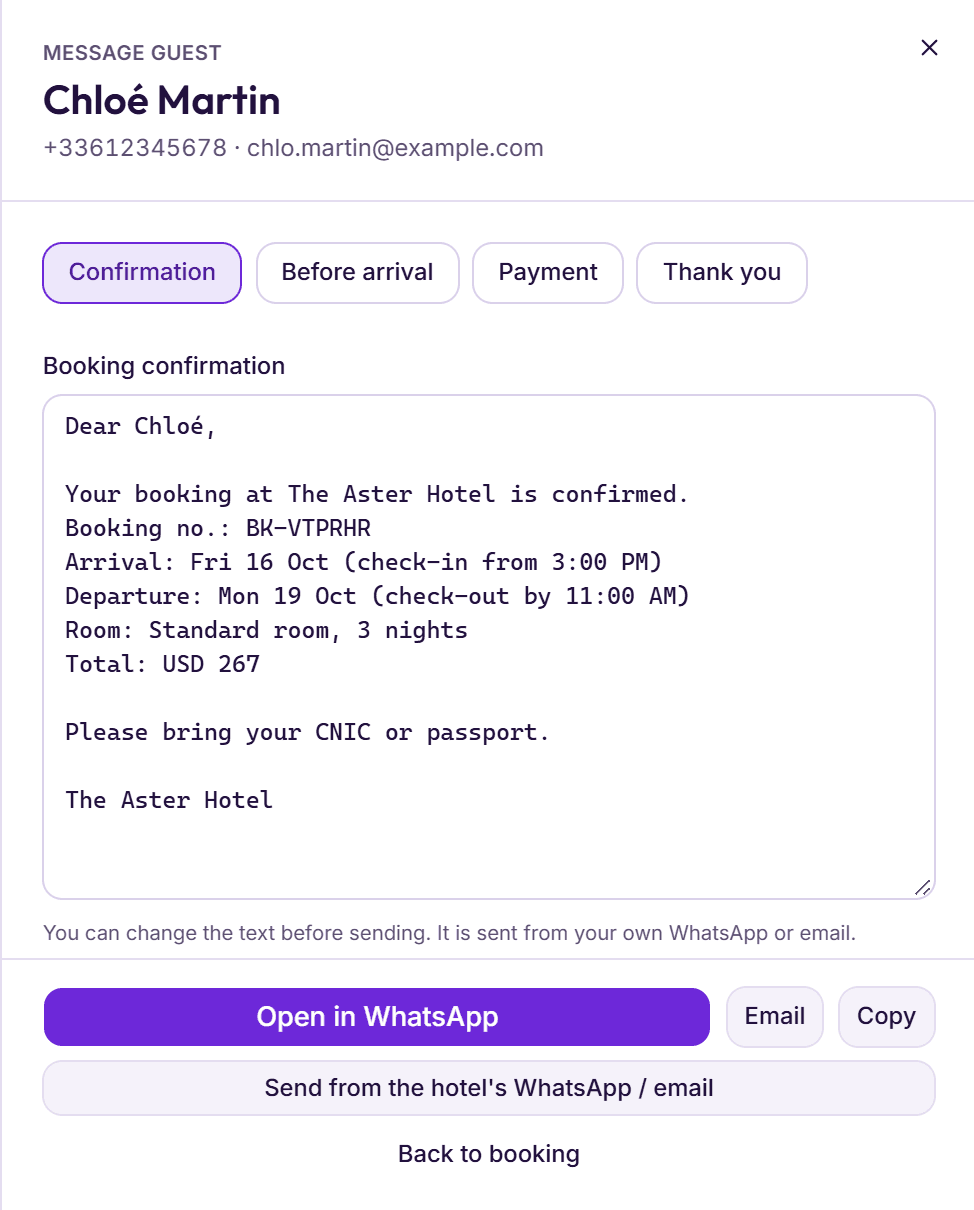
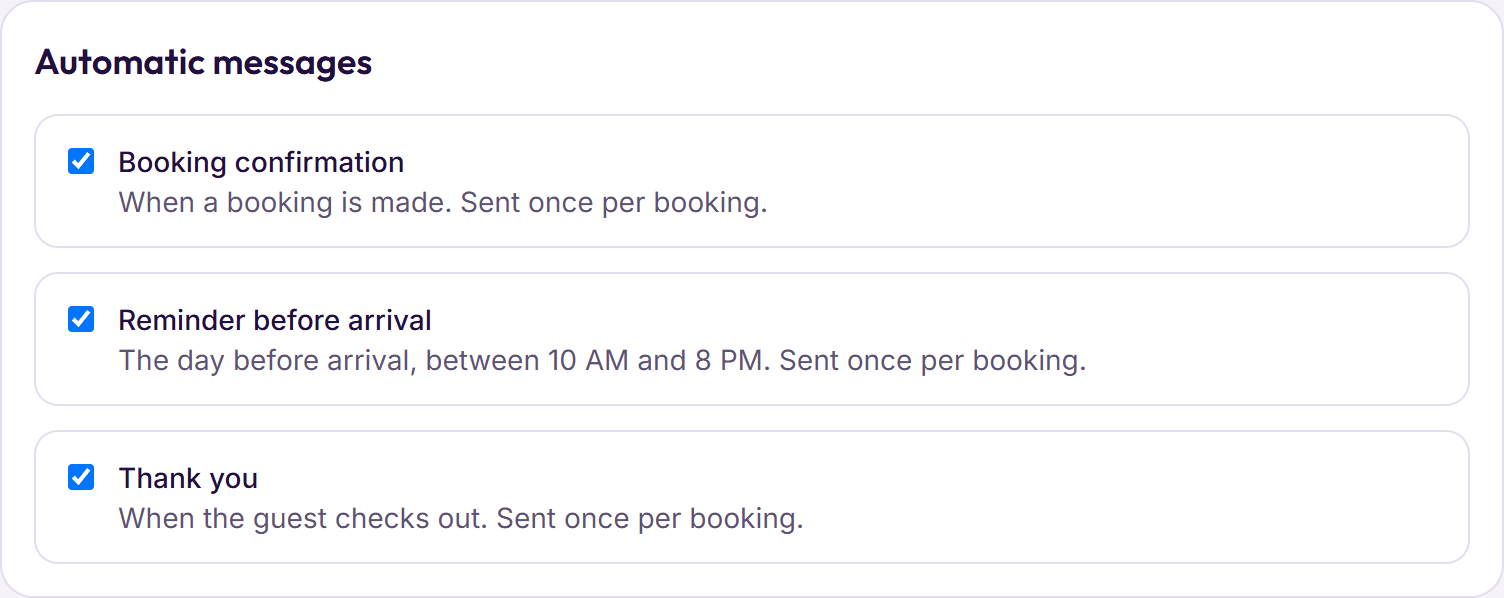
- Send a thank-you after the stay. A short message with a promo code for their next visit, and a ready-made link with it filled in.
- Recognise them when they come back. A note on the guest’s profile (a favourite room, a late arrival, an allergy) makes the second stay better than the first.
- Treat local guests the same way. Families from nearby cities, companies that send staff often, wedding guests: all of them can book direct after the first time.
A two-week plan to get started
Getting more direct bookings, in two weeks
- Book a room on your own booking page from a phone, and fix anything slow or unclear.
- Put the booking link in your Instagram profile and your WhatsApp Business profile.
- Add the booking link, the right phone number and current photos to your Google listing.
- Put a Book now button on every page of your website, if you have one.
- Save WhatsApp replies that answer date questions with a ready-made link.
- Make one promo code for past guests and one for Instagram followers.
- Write down your cancellation policy and show it on the booking page.
- Check that every guest leaving this week has their own mobile number on their profile.
- Send every guest who checks out a thank-you message with a promo code for the next stay.
How to tell if it’s working
Count two numbers each month: room nights booked direct, and room nights booked through booking sites. Use where each booking came from in your records, not what the desk remembers. A promo code for each place you share it (Instagram, past guests, your website) tells you which efforts bring bookings and which don’t.
Give it a season, not a week. Guests change habits slowly, and a returning guest with a code may not come back for months. Compare each month with the same month last year as well as with last month, because the seasons move both numbers.