Why the switch is smaller than it looks
A register, a few spreadsheets and a cash book hold more than they seem to. But most of it is history. To run the hotel tomorrow, the new software only needs what is still live: the rooms you sell, the prices you charge, the guests you know, and the bookings still to come. Last year’s pages can stay on the shelf.
That is why the hard part of switching hotel software is rarely the software. It is getting the live information into one place, choosing the right day, and making sure every member of staff knows the handful of tasks they do every shift.
What to gather before you switch
Pull these together before the move. Most of it is already in your register or spreadsheets; it just needs to be in one place, checked by someone who knows the hotel.
Your switching list
- Rooms: every room number, its room type (Standard, Deluxe, Suite) and how many guests it takes.
- Rates: each price you sell, per night, and whether tax is included or added on top. Note weekend and season prices.
- Upcoming bookings: every confirmed booking from today on, with the guest’s name, phone, dates, room type and price agreed.
- Advances paid: for each upcoming booking, any deposit (advance payment) already received, how it was paid, and the receipt number.
- Guests: your returning guests’ names, phone numbers and any notes staff should know.
- Company accounts: each company you bill, with what it owes today.
- Taxes and house rules: your tax rates, check-in and check-out times, the usual advance, and your cancellation rules.
- Staff: each person’s name, mobile number and job, so each gets their own sign-in.
Choose your switch-over day
Pick a quiet day: midweek, outside a holiday, with few arrivals. Avoid the day a wedding group checks in. Make the switch straight after the night’s close, so the old books end on a finished day and the new software starts on a clean one.
From the moment you switch, take new bookings in the new software only. Running both side by side sounds safe, but it is how double bookings happen: a booking goes into the register and not the system, or the other way round. Keep the old register for looking things up, not for writing in.
The switch, step by step
Send your list
Hand your rooms, rates, guests and upcoming bookings to whoever is moving the data, in whatever form you have them: a spreadsheet, a photo of the register, an export from your old system.
Check your rooms and rates
Once they arrive in the new software, check each room type, its rooms and every rate. Make one test booking to see the price come out the way you charge it.
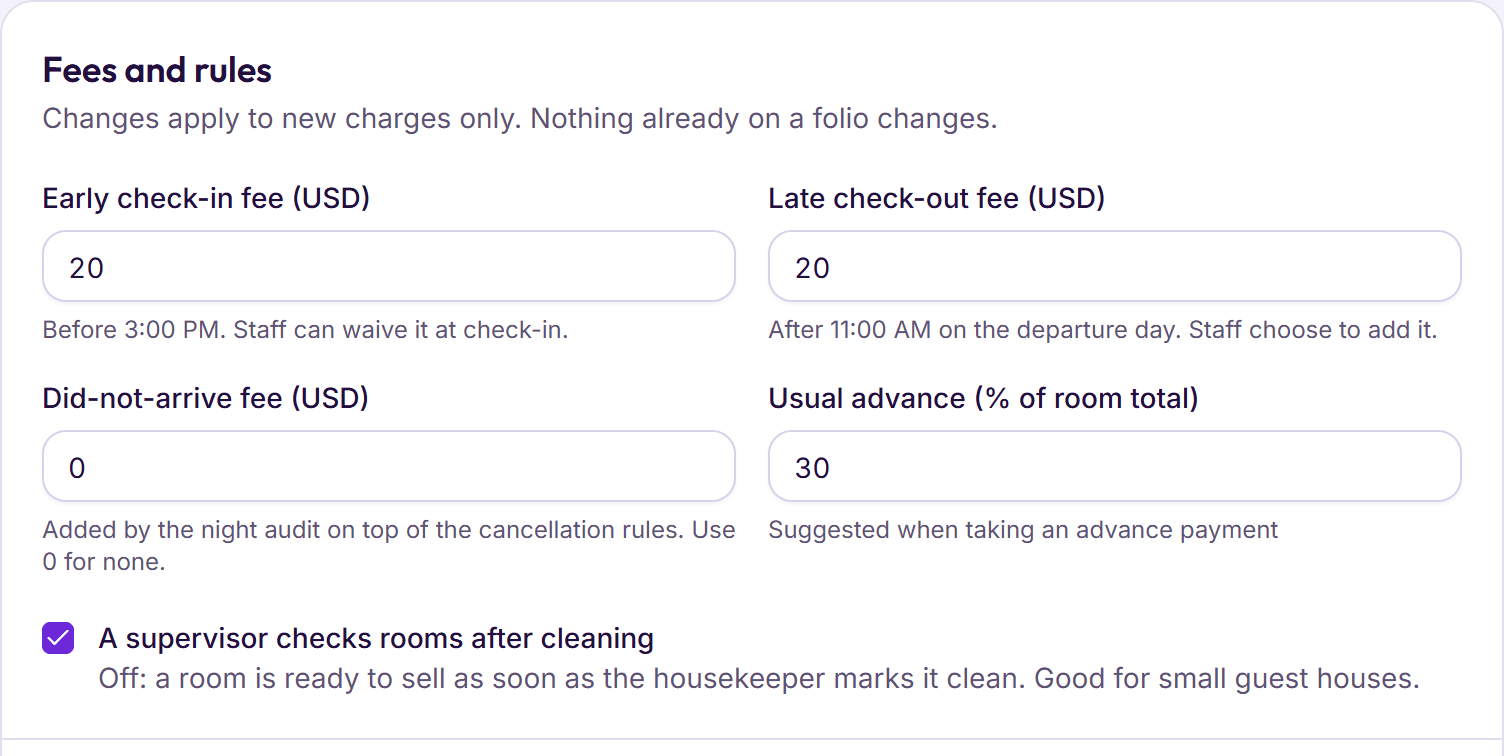
Set your taxes and house rules
Enter your tax rates for each kind of charge, your check-in and check-out times, the usual advance, and fees such as early check-in, late check-out and guests who don’t arrive.
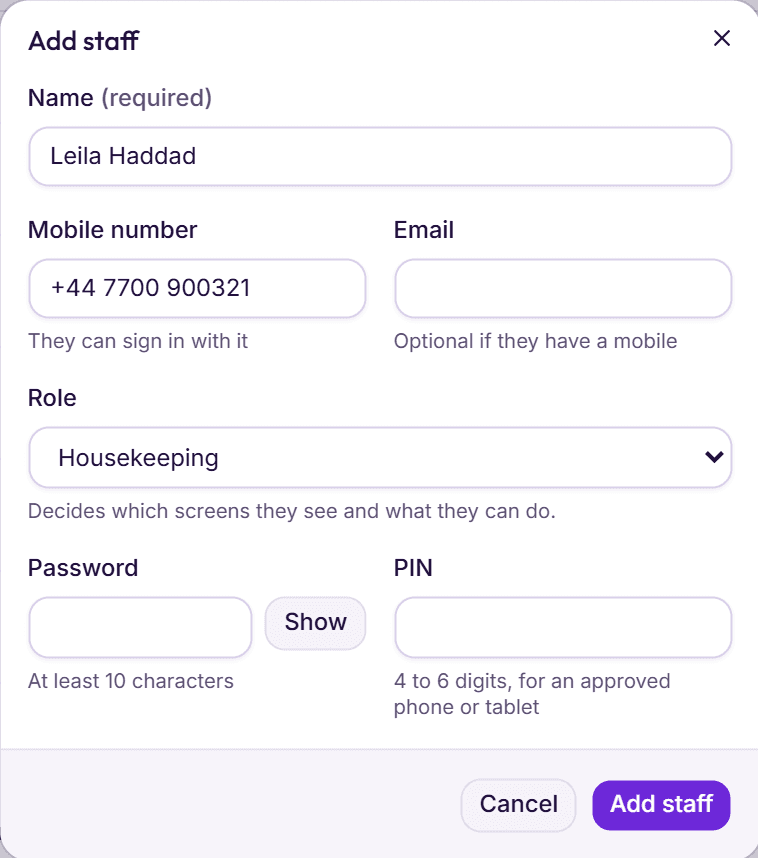
Add your staff
Give each person their own sign-in and role. Approve the phones housekeeping will use, so housekeepers can sign in with a PIN.
Set up the cash drawers
One at reception, one in the restaurant, or wherever cash changes hands, each with its cash at the start counted and recorded.
Check the upcoming bookings
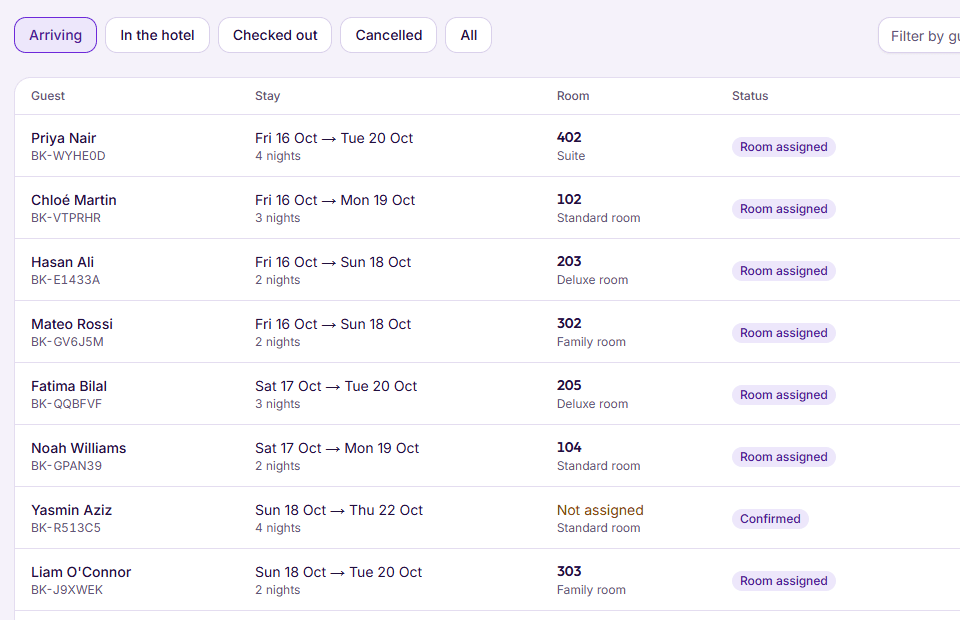
Go down your register and find each booking in the new software: dates, room type, price and any advance paid. Then you are ready for the first check-in.
Training your staff on a call
Staff don’t need to learn the whole system on day one. They need the five or six things they do every shift, practised on the hotel’s own rooms. One call, with everyone who works the desk and someone from housekeeping and the restaurant, usually covers it.
- Front desk: take a booking, check a guest in with their ID, add a charge, take a payment, check a guest out.
- Housekeeping: sign in on the phone, see which rooms to clean first, mark a room clean.
- Restaurant: open a table, send an order to the kitchen, put a bill on a guest’s room.
- Night staff: count and close a cash shift, then run the Night audit.
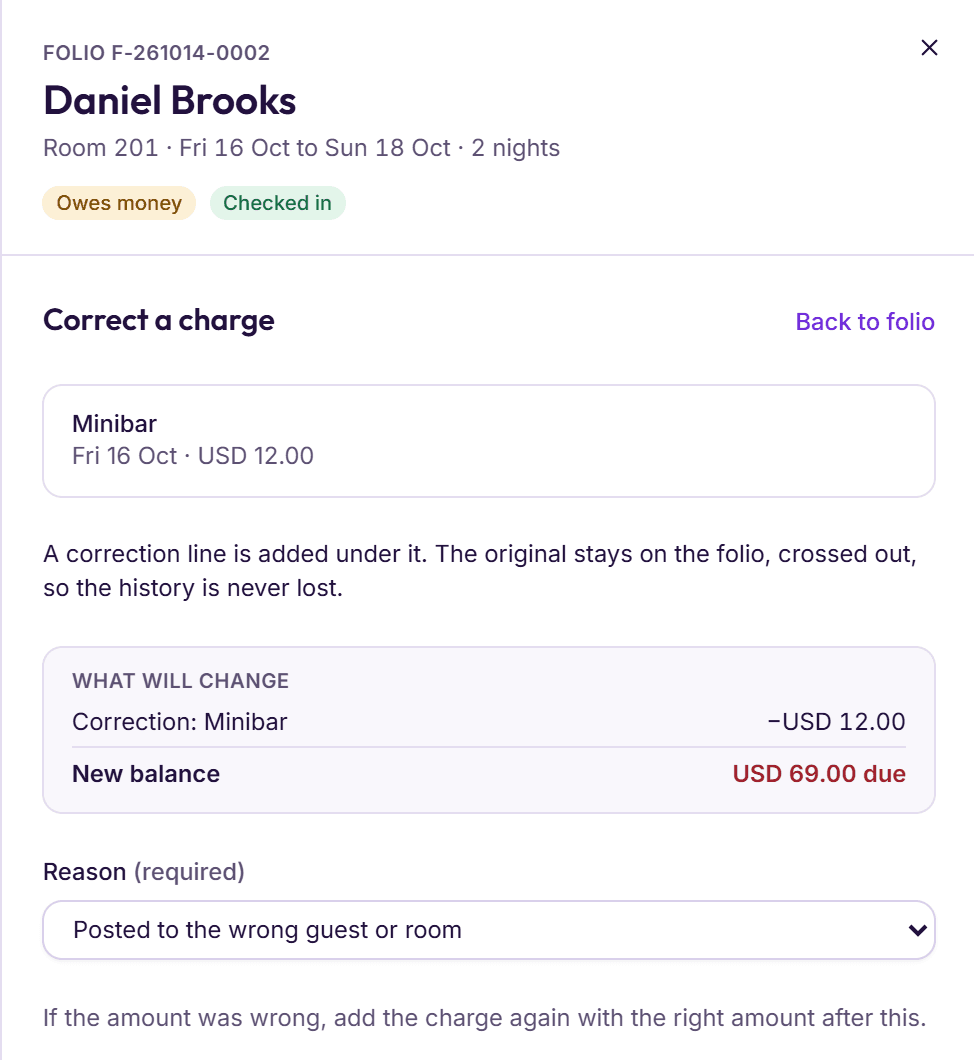
- Managers: approve a discount, correct a wrong charge with a reason, read the day’s close.
Ask each person to do their tasks once while everyone watches, then once on their own. Keep a short list of questions that come up, and send them to your provider the same day.
Your first week live
Look at one part of the hotel each day, in this order. Each check takes a few minutes, and between them they catch almost anything that came across wrong.
| Day | Check | What good looks like |
|---|---|---|
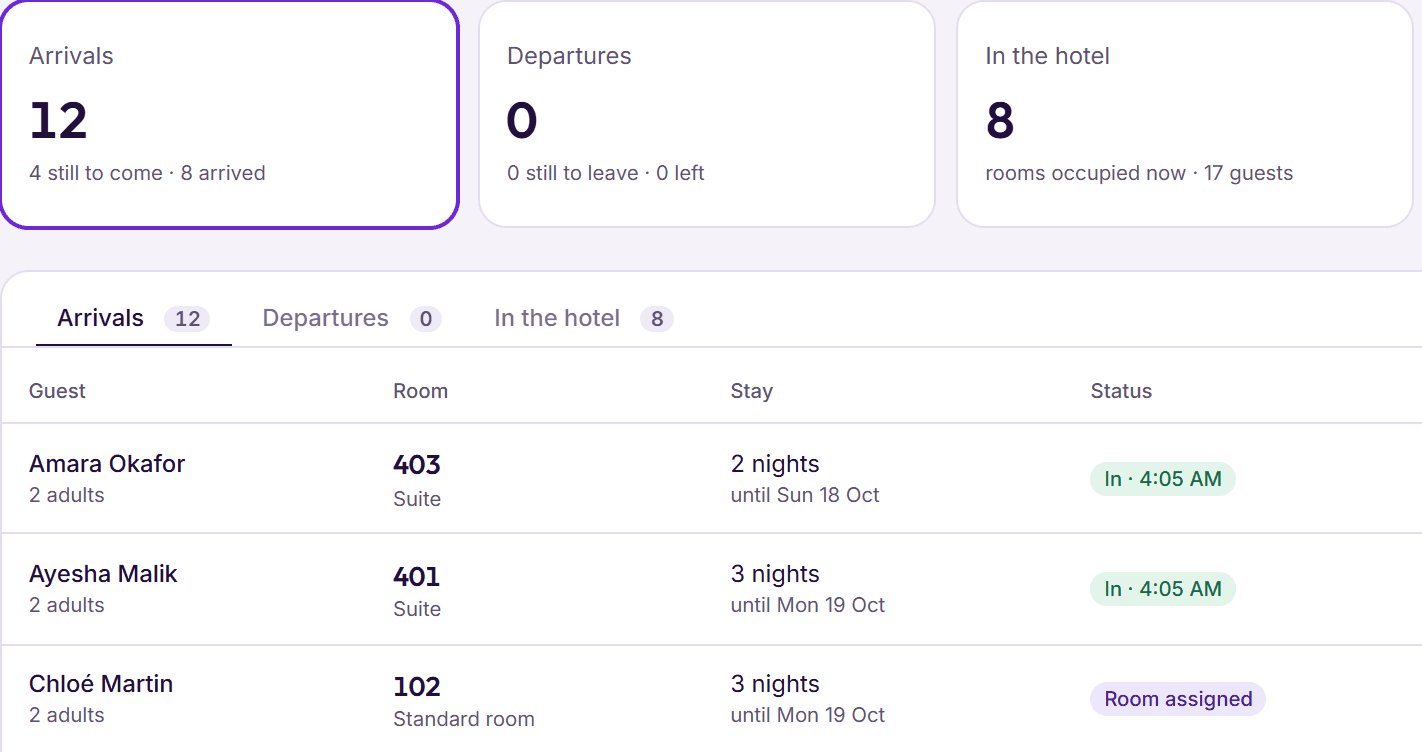
| Day 1 | Arrivals and check-ins | Every guest due today was found, checked in at the price agreed, with any advance off their folio. |
| Day 2 | Housekeeping | Rooms are marked as they are finished, and the desk sees them ready without a phone call. |
| Day 3 | Folios and payments | Each guest leaving had every charge on the folio, and each payment was recorded the way it was paid. |
| Day 4 | Restaurant | Bills put on rooms reached the right folios, with their tax. |
| Day 5 | Cash shifts | Every shift was counted and closed, with any short or over explained. |
| Day 6 | Night audit | Each night closed with nothing left open, and the day’s report was ready in the morning. |
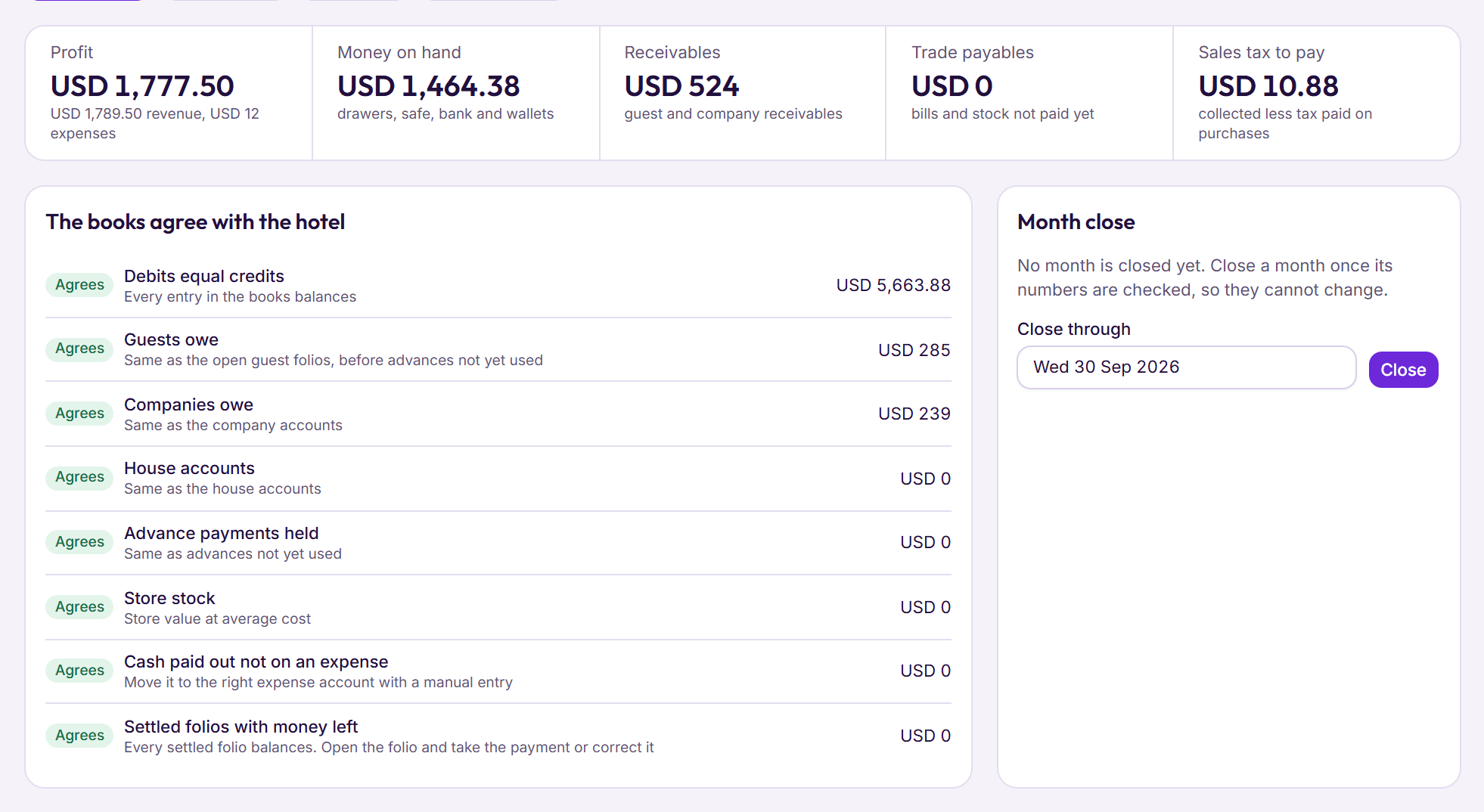
| Day 7 | The week | The owner reads the week’s occupancy, revenue and cash, and compares it with the register. |